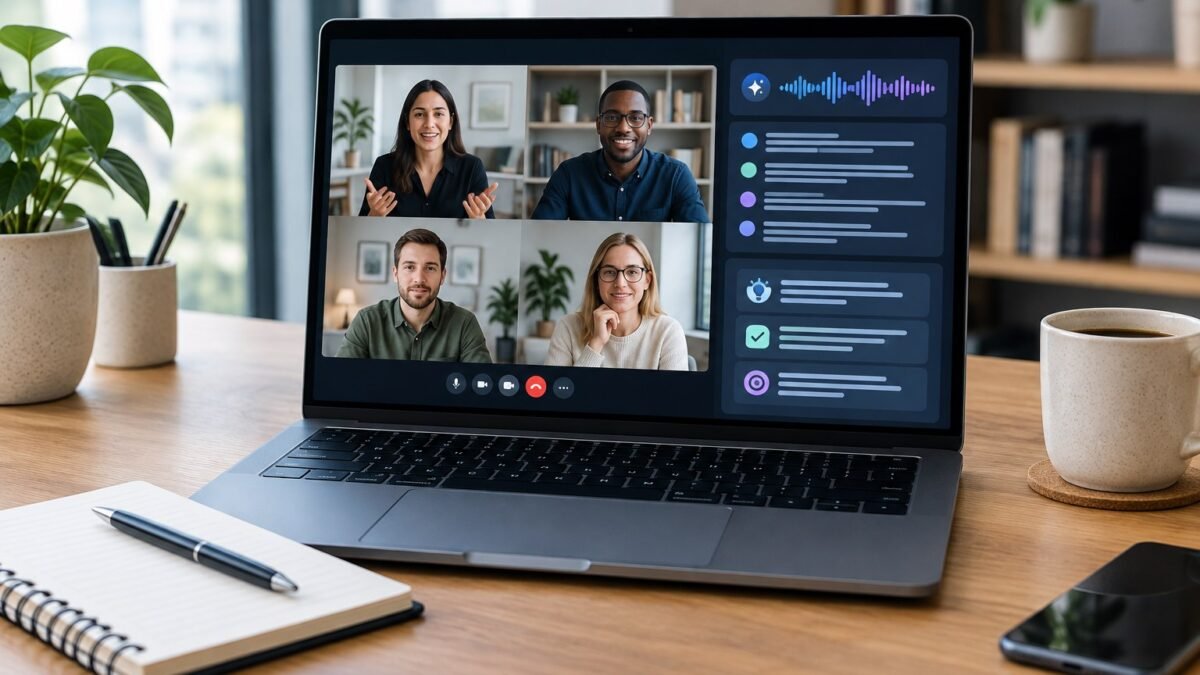
Quick answer: AI meeting assistants are useful when a team needs searchable transcripts, summaries and follow-up tasks from video calls. The best option depends on whether you value a generous free tier, sales integrations, bot-free note-taking or detailed transcript search.
Disclosure: This research-led guide may contain affiliate links. The Prime Worth may earn a commission from qualifying subscriptions at no extra cost to you. Features and plans change; check each provider’s current terms. We have not independently tested every platform.
AI meeting assistants compared
| Tool | Consider it for | What to verify |
|---|---|---|
| Fathom | Meeting summaries and a straightforward recording workflow | Supported meeting platforms, recording limits and team controls |
| Fireflies.ai | Searchable meeting knowledge and integrations | Storage, transcription limits, CRM connections and privacy settings |
| Otter.ai | Live transcription and collaborative notes | Monthly transcription minutes and import/export limits |
| tl;dv | Highlights and shareable meeting clips | Recording limits and supported integrations |
| Avoma | Sales conversations and coaching workflows | Whether you need its broader revenue features |
| Granola | Personal notes without a visible meeting bot | Supported devices, data handling and team administration |
What matters more than the AI summary
Accuracy and editing
Test the tool with different accents, noisy calls, specialist terminology and overlapping speakers. Check whether names and technical terms can be corrected. A confident-looking summary is not useful if the transcript is inaccurate.
Action items and integrations
Look for reliable speaker attribution, assigned tasks, timestamps and integrations with the calendar, CRM or project-management system your team already uses. Confirm which integrations are included in the plan you are considering.
Privacy and consent
Before recording, check local recording-consent rules and your organization’s policies. Review data retention, access controls, deletion procedures, model-training settings, subprocessors and whether recordings can be stored in the required region. Do not upload confidential meetings until your organization approves the provider.
Which tool is right for your team?
- Solo professional: Start with the simplest tool that produces editable notes and exports them where you work.
- Sales team: Prioritize CRM sync, call libraries, coaching and permission controls.
- Distributed team: Prioritize shared search, language support, access management and predictable billing.
- Privacy-sensitive work: Compare bot-free options and review the complete data-processing terms before enabling recording.
Questions to ask before subscribing
- Does it join Zoom, Google Meet or Microsoft Teams in the way your team uses them?
- Is recording automatic, manual or controlled by the meeting host?
- What are the free and paid transcription or storage limits?
- Can admins control sharing, retention and deletion?
- Can a user export transcripts and summaries if the team changes providers?
Frequently asked questions
Can an AI meeting assistant record without a bot?
Some tools offer desktop or device-based capture, while others join the meeting as a participant. Confirm the exact method and consent requirements for your platform and region.
Are AI meeting summaries always accurate?
No. Treat summaries as drafts. Review decisions, names, dates and assigned actions before sharing them as official meeting records.
Official product links
Reviewed November 27, 2026. Check current pricing, recording limits and privacy terms with each provider before choosing.
Related guides
For adjacent workflow tools, see our Zapier review and automation platform comparison.